AI-Powered Plugin Builder for WordPress
The Fast-Track to Custom WordPress Functionality.
Turn ideas into plugins instantly
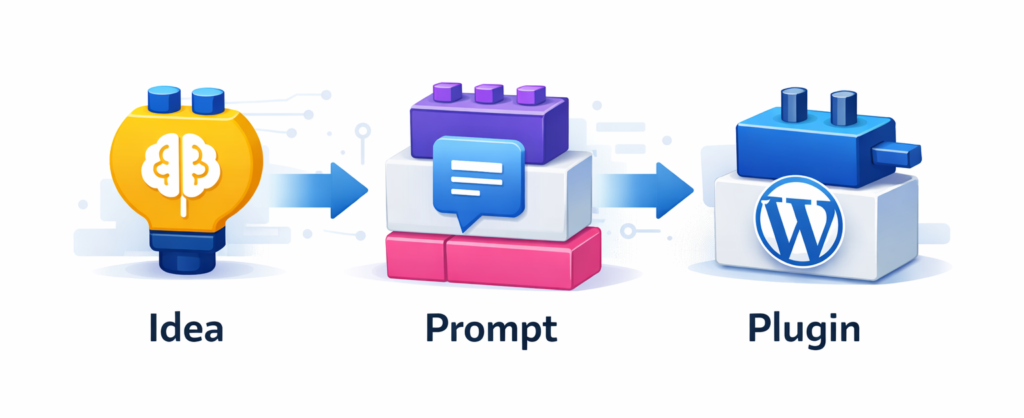
Democratize WordPress development

WordPress users face a dilemma: hire a developer for custom functionality, or install bloated all-in-one plugins that add hundreds of unwanted features and slow down their sites. With over 60,000 plugins in the WordPress repository, finding a lightweight solution for a specific need is nearly impossible.
This AI-powered vibe coding tool democratizes WordPress development by embedding an AI assistant directly into the WordPress dashboard. Non-developers and even lazy developers can describe custom functionality in plain language and watch it take shape instantly, without switching between WordPress and external AI tools or going through tedious export/download/upload cycles.
Built on WordPress’s new AI functionalities and combined with an LLM fine-tuned on WordPress coding standards and security best practices, the system generates lean, secure plugins tailored precisely to each site’s needs. The entire workflow happens inside WordPress admin – describe your feature, review the generated code, and activate it with one click.
How it works
The AI-Powered Plugin Builder is shipped via the official WordPress AI plugin (formerly AI Experiments) by WordPress.org, but currently it’s not yet merged into the main plugin.
Features:
- AI can generate new plugins starting from the user prompt and the full context context of the website as inputs.
- AI-driven prompt enhancement for better results.
- One-click plugin installation and activation after plugin is created.
- Ability to download generated plugin as ZIP file.
- Prevent conflicts with 3rd-party existing plugins (edit not allowed + slug collision prevention).
- Plugin checks based on Plugin check plugin, with automatic fixes.
- Conversation history, with ability to iterate on the previously generated plugins.
- Provide guidance with AI-driven best next steps for users after the generated plugin is installed.
Try it out
Get the plugin from GitHub (requires building)
or
download a ready-to-install package from here.
How to test it
Requirements
- WordPress 7.0 (currently in beta)
- WordPress AI plugin (forked version)
- An AI connector plugin compatible with WordPress 7.0
- Anthropic
- Open AI
- Gemini
Installation
🚀 Getting Started with AI Plugin Builder
Follow these steps to set up the environment and start generating WordPress plugins with AI.
1. Environment Setup
Because this project utilizes cutting-edge features, you must be running the WordPress 7.0 Beta environment.
- Prerequisite: Ensure you have a test WordPress site.
- Install Beta Tester: Download and activate the WordPress Beta Tester plugin.
- Configure Beta Settings: Go to Tools > Beta Testing.
- Under Save after switching, select Bleeding edge.
- Under Select one of the stream options below, select Beta/RC Only.
- Click Save Changes.
- Update WordPress: Go to Dashboard > Updates and click Update to version 7.0-beta6.
2. Plugin Installation
- Install AI Extension: Upload and activate AI Plugin zip.
- Configure API: Go to Settings > Connectors and enter your provided API Key.
3. Enabling AI Experiments
- Navigate to Settings > AI.
- Click the Enable AI button.
- Under the Admin Experiments section, toggle on Plugin Builder.
Click Save Changes.
Usage
🪄 Now you’re ready to build!
- Navigate to Plugins > AI Plugin Builder in your sidebar.
- Enter a prompt describing the plugin you want (e.g., “Create a plugin that adds a dark mode toggle to the top right of the site”).
Install and activate your new plugin in one click!
Demo Video
Links
- Project page in Hackathon website
- GitHub project (fork of WordPress AI plugin)
- WordPress AI plugin page
- Technical reference doc for the project
The team

🇩🇪

🇬🇷

🇧🇾

🇮🇹

🇱🇹

🇦🇹

🇨🇭

🇺🇸